Turn raw performance metrics into clean, client-ready reports in minutes — not hours.
The Client Reporting OS is a Notion + AI workflow that helps marketers automate monthly reporting, generate insights, and export premium reports instantly.
United States dollar ($) - USD
Client Reporting OS – Notion + AI Reporting System
Original price was: $ 19.00.$ 12.00Current price is: $ 12.00.
Client Reporting OS – Your Monthly Reporting, Automated
Stop wasting 2–3 hours every month pulling screenshots, formatting slides, and writing long summaries for clients.
The Client Reporting OS gives you a complete Notion + AI workflow to turn scattered ads data into polished, insight-driven monthly reports instantly.
Built for digital marketers, agencies, and freelancers who want to impress clients without wasting hours in spreadsheets.
✔ Notion Workspace (Reporting HQ)
A clean, structured workspace to collect metrics, screenshots, notes, and monthly insights.
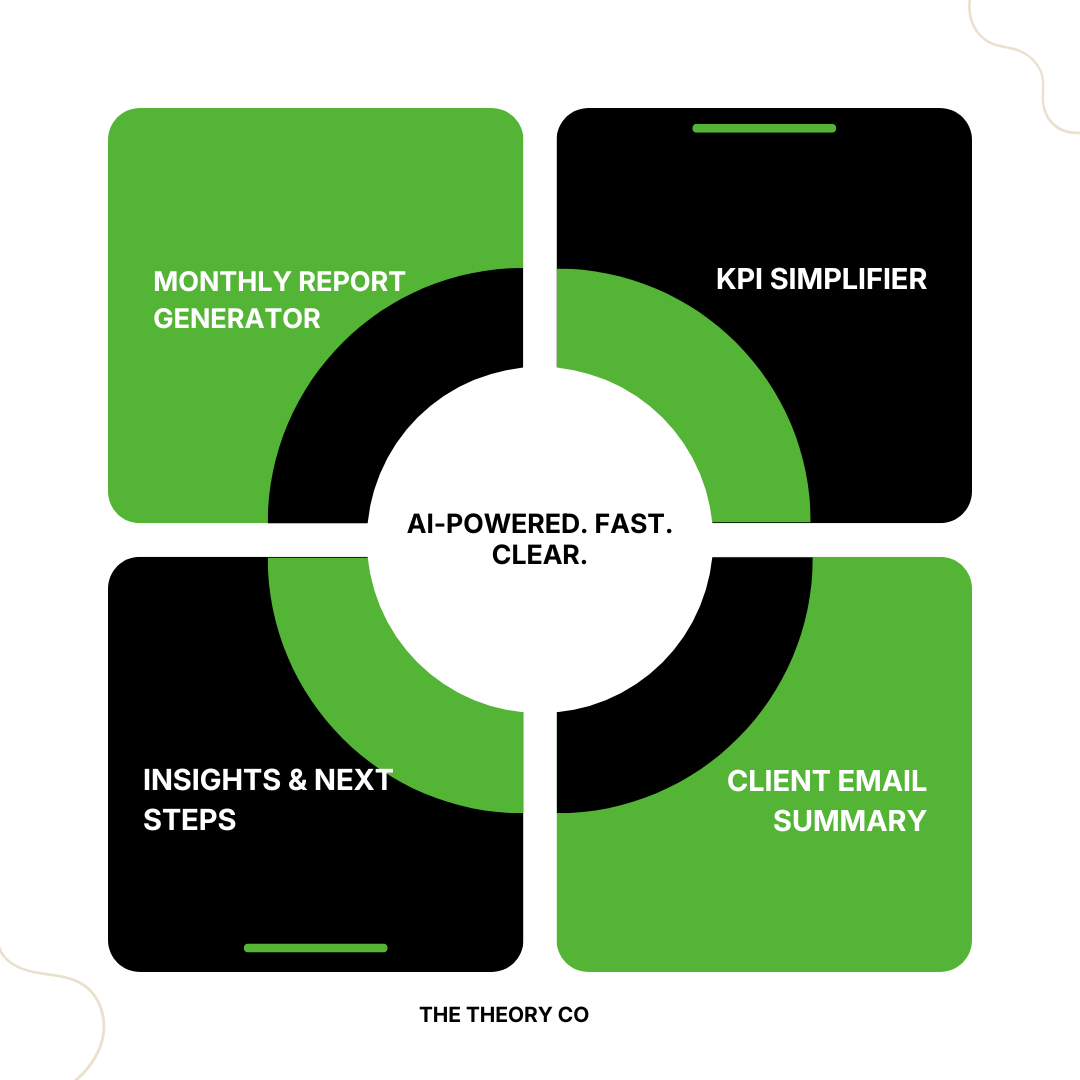
✔ AI-Powered Report Generator
Copy → paste → get an executive summary written for you in seconds.
✔ KPI Simplifier
Explains any metric in 2–3 simple sentences — perfect for confused clients.
✔ Insights & Strategy Builder
Turn raw platform results into clear recommendations and monthly action plans.
✔ Final Report Builder
Assemble your entire report in one page — summary, KPIs, insights, recommendations.
✔ Premium Canva Report Template
Export polished, client-facing PDF reports with clean layout and branding
✔ Digital Marketing Agencies
✔ Freelance Marketers
✔ Performance Marketers
✔ Social Media Managers
✔ PPC Specialists
✔ Anyone sending monthly performance reports
How It Works
STEP 1 — Drop Your Metrics
Paste impressions, clicks, CTR, CPC, spend, conversions, ROAS, revenue + screenshots.
STEP 2 — Generate Your Executive Summary
Use the monthly AI prompt — instantly get a clean, professional summary.
STEP 3 — Simplify KPIs
Use the KPI Simplifier page for client-friendly explanations.
STEP 4 — Build Insights & Next Steps
Paste your platform summaries into Insights Roadmap → get strategy recommendations.
STEP 5 — Assemble Everything
The Final Report Builder organizes your summary, KPIs, insights, and client email.
STEP 6 — Export Your Canva Report
Use the included Canva template → export as PDF → send to your client.
Why You’ll Love This OS
-
Saves 2–3 hours every month
-
Improves client retention
-
Makes reporting polished, professional, and easy
-
Works for any platform: Google Ads, META, YouTube, LinkedIn, SEO
-
Fully customizable
-
Zero learning curve
Instant download. Lifetime access.
Related products
-
Template
10 in 1 Marketing Report Template
Original price was: $ 100.00.$ 9.99Current price is: $ 9.99. Add to basket